in reply to Adding a watermark to an image with GD::Image
Thank you Monks for your suggestions...
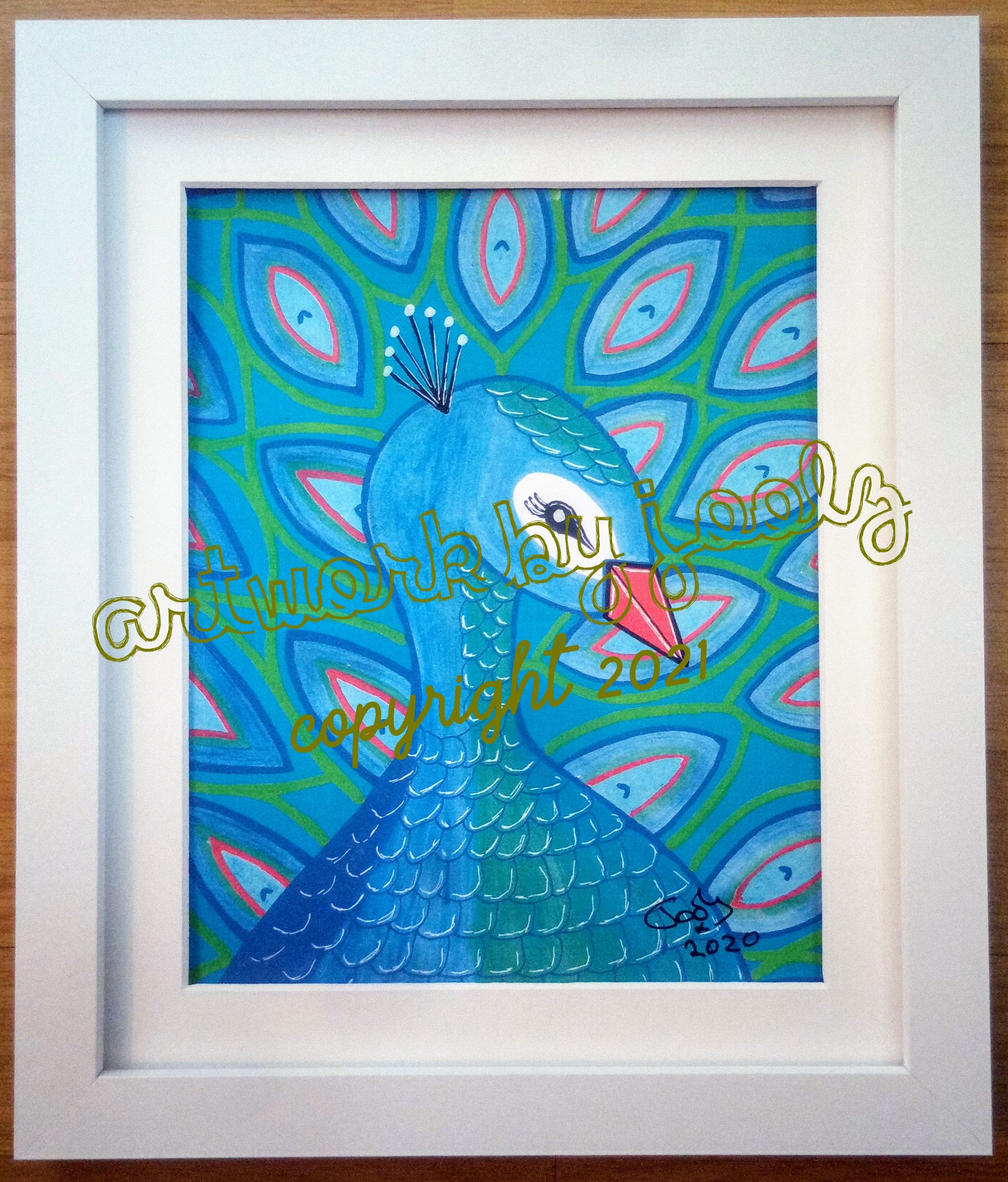
I now have the code working which I share in case anyone else needs to do something similar.
###################### # Upload artwork image sub XHRupload { no strict 'subs'; my $full; my $image = Image::Resize->new(GD::Image->new($file{'joolzimage', +'file'})); if ($image->width() > 1800) { $full = $image->resize(1800, 99999); } else { $full = $image->gd(); } my $year = (localtime)[5] + 1900; my $watermark = 'Artwork by Joolz'; my $copyright = "copyright $year"; # Centre text components on image my $colour = $full->colorAllocate(0, 0, 0); my @bounds = new GD::Image->stringFT($colour, "$ENV{'DOCUMENT_R +OOT'}/cgi-bin/Image/outline.ttf", 90, 0.18, 0, 0, $watermark); my $left = ($full->width() / 2) - (($bounds[2] - $bounds[0]) + / 2) + 5; my $top = ($full->height() / 2) - ($bounds[7] - $bounds[1]) + / 2; # Select colour my ($rd, $gn, $bl) = (0, 0, 0); for (my $x = $left; $x < $left + ($bounds[2] - $bounds[0]); $x += +20) { for (my $y = $top - 450; $y < $top + 130; $y += 20) { my ($r, $g, $b) = $full->getPixel($x, $y); $bl = 255 - $r if 255 - $r > $rd; $rd = 255 - $g if 255 - $g > $gn; $gn = 255 - $b if 255 - $b > $bl; } } $rd = 120 if $rd > 120; $gn = 120 if $gn > 120; $bl = 120 if $bl > 120; $colour = $full->colorAllocate($rd, $gn, $bl); $full->stringFT($colour, "$ENV{'DOCUMENT_ROOT'}/cgi-bin/Image/outl +ine.ttf", 90, 0.18, $left, $top, $watermark); @bounds = new GD::Image->stringFT($colour, "$ENV{'DOCUMENT_ +ROOT'}/cgi-bin/Image/watermark.ttf", 95, 0.18, 0, 0, $copyright); $left = ($full->width() / 2) - (($bounds[2] - $bounds[0]) / +2) + 5; $full->stringFT($colour, "$ENV{'DOCUMENT_ROOT'}/cgi-bin/Image/wate +rmark.ttf", 95, 0.18, $left, $top + 160, $copyright); open my $fh, '>', "$ENV{'DOCUMENT_ROOT'}/artwork/full/$data{'id'}. +jpg"; print $fh $full->jpeg(100); close $fh; my $thumb = $image->resize(300, 1000); open $fh, '>', "$ENV{'DOCUMENT_ROOT'}/artwork/thumbs/$data{'id'}.j +pg"; print $fh $thumb->jpeg(32); close $fh; print "Content-type: text/plain\n\n"; print $data{'id'}; exit 0; }
I still have to change from Indirect Object Syntax as pointed out by kcott and there are some other parts that need tidying. Plus, the watermark code is not as clever as it could be. The text colour starts as black - RGB 0, 0, 0. The code samples the portion of the image where the text will be going and increases the RGB values as higher value pixels are found but the colours are staggered so greater RED increases the BLUE value. Finally these are capped at 120 so that the text cannot get too light as there will always be a white picture mount.
Result one
Result one
To check the code was sampling in the correct place, I used setPixel($x, $y, $colour); so that I could see a grid of small black dots covering the area to be sampled. Once happy it was in the right place, I changed it to getPixel($x, $y)
|
|---|