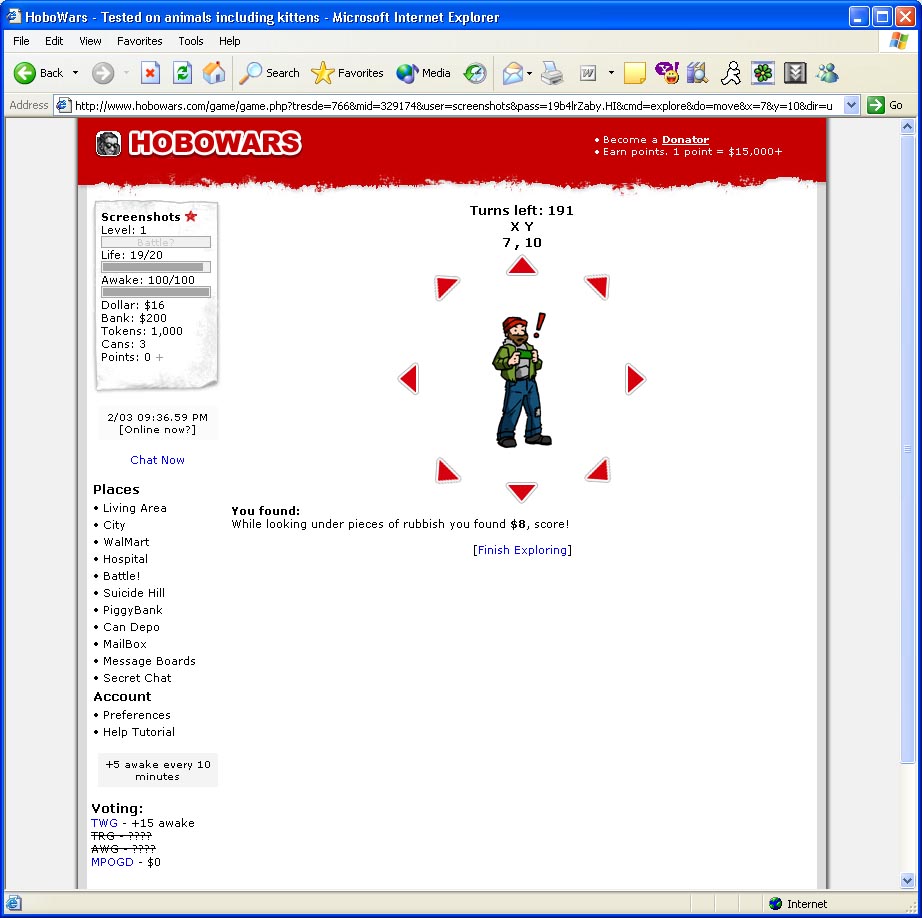
use strict; use warnings; use WWW::Mechanize; my $m = WWW::Mechanize->new(); $m->get('http://www.hobowars.com'); $m->submit_form( form_name =>'loginForm', fields => { username => '', password => '', }, button =>'submit', ); $m->follow_link(url_regex=> qr/cmd\=explore/i); $m->follow_link(url_regex=> qr/cmd\=explore\&do\=/i); my $turns_left = 1; my $turns_used = 0; my @turn_cmds = ( { direction=>'left' ,times=>50, }, { direction=>'down' ,times=>50, }, { direction=>'right' ,times=>50, }, { direction=>'up' ,times=>50, }, );#this array records all the commands and they will made in the o +rder the array stores #this is just an example about how you can consume your 200 turn +s/day my $turn_cmd=0; #this is the indev of the current command wich is run right now while($turns_left) {#while we still have turns to use $turns_used++; ($turns_left) = $m->content =~ /left: (\d+)/; my ($X,$Y) = $m->content =~ /(\d+) , (\d+)<\/font><\/strong><\/div +><\/td>/; #get the current position in the game grid my $directions = {}; for ( grep { $_->url =~ /do\=move.*dir=/ } $m->links ) { #for each + direction link on the page my ($x,$y) = $_->url_abs =~ /x=(\d+)\&y=(\d+)/; #current posit +ion in the grid my $key = ""; #<-- here we will construct the name of the dire +ction depending on xdiff and ydiff # wich show us wich way each direction goes my $xdiff=$X-$x; my $ydiff=$Y-$y; $key.="left" if $xdiff == 1; $key.="right" if $xdiff == -1; $key.="up" if $ydiff == 1; $key.="down" if $ydiff == -1; #warn "Xdiff:$xdiff , Ydiff:$ydiff ,key:$key"; $directions->{$key} = $_->url_abs; #put the absolute url in th +at direction }; warn "[TURNS LEFT]:$turns_left"; warn "[TURNS USED]:$turns_used"; warn "[X]=$X [Y]=$Y"; $m->get($directions->{$turn_cmds[$turn_cmd]->{direction} }); warn "[TURN MADE] , DIRECTION: ".$turn_cmds[$turn_cmd]->{direction +}." TIMES: ".$turn_cmds[$turn_cmd]->{times} ; if($turn_cmds[$turn_cmd]->{times}--==0) { $turn_cmd++;#if we finished the current command then go to the + next command }; }
In reply to elegantly cheating mmorpgs using perl by spx2
| For: | Use: | ||
| & | & | ||
| < | < | ||
| > | > | ||
| [ | [ | ||
| ] | ] |